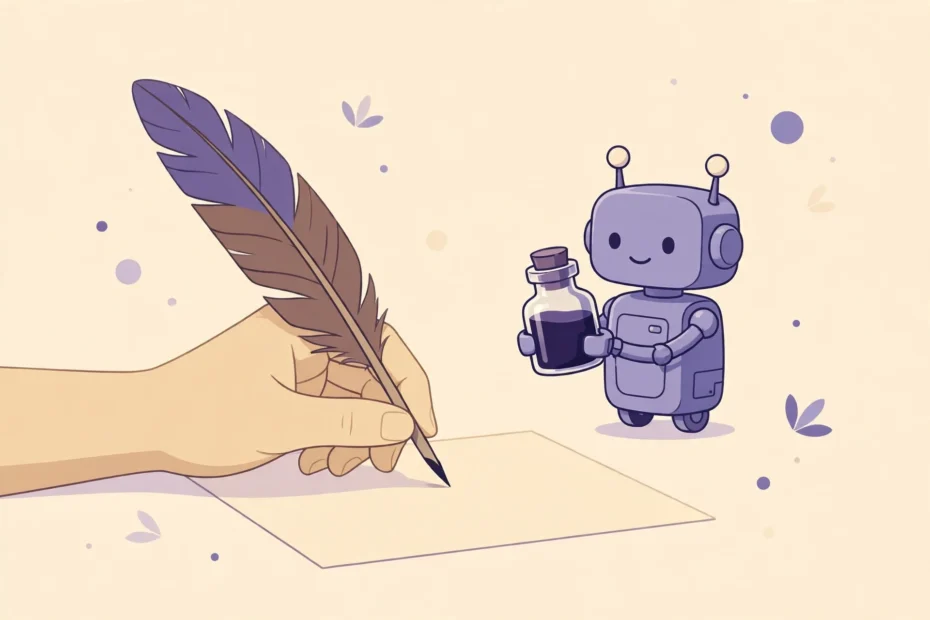
The most common complaint about AI-assisted writing is not inaccuracy or laziness — it is sameness. Readers can sense it: the polished but hollow paragraph, the familiar phrases, the sentences that could belong to anyone. Writers feel it too, when they read back a draft and no longer recognize themselves in it. The good news is that losing your voice to AI is not inevitable. It is a workflow problem, and it has practical fixes. This guide explains how to use AI writing tools while keeping your writing unmistakably yours.
Why AI Flattens Voice
AI writing tools are trained on enormous amounts of text, and their default output is an average of all of it: competent, smooth, and generic. Left alone, they produce the same transitions, the same structures, and the same safe phrasing for everyone. Words like “delve,” “landscape,” “tapestry,” and “in today’s fast-paced world” appear because they are statistically common, not because they are good.
Your voice, by contrast, comes from specific things: your experiences, your opinions, your sentence rhythms, your word choices, your sense of humor, and the details you notice that others do not. AI has none of these. When you publish unedited AI text, you are publishing the average — and readers can tell, even if they cannot explain why it feels flat.
Start With Your Own Thinking
The single most important habit is also the simplest: think before you prompt. Write your own outline, even a rough one, before asking AI for anything. Decide your main point, your key examples, and your conclusion yourself. When AI generates the outline, it also chooses the angle, the emphasis, and the structure — and those choices are where voice lives.
A useful rule: never ask AI “what should I write about?” Ask it to help with something you have already decided. “Expand this outline into a draft” keeps you in charge. “Write an article about productivity” hands the steering wheel to the machine.
Feed It Your Voice
AI tools imitate style surprisingly well when given examples. Before asking for a draft, paste a paragraph or two of your own writing and say: “Match the tone, sentence length, and directness of this sample.” The output will still need editing, but it will start much closer to your voice than a generic draft.
You can also describe your voice explicitly: “Write in short, direct sentences. Avoid jargon. Use concrete examples, not abstractions. Be conversational but not casual.” Specific style instructions beat vague ones every time. And if you have a style guide — even a few lines about words you use and words you avoid — share it with the tool.
Edit Like It Matters, Because It Does
Editing is where voice is restored. Read every AI draft aloud: your ear catches generic phrasing faster than your eye. Cut sentences you would never say. Replace abstractions with specifics: instead of “many people struggle with time management,” write about the actual Tuesday when you missed a deadline and what you changed. Add your own examples, stories, and opinions — the parts AI cannot invent honestly.
A practical editing pass has three steps. First, cut: remove filler, repetition, and any sentence that adds nothing. Second, specify: replace vague claims with concrete details, numbers you can verify, and real examples. Third, personalize: add at least one observation, opinion, or experience that only you could write. A draft that survives those three steps will sound like you.
Use AI for the Right Jobs
Voice survives best when AI handles the jobs where voice matters least. Let AI brainstorm options, summarize research, outline structure, fix grammar, and rephrase clumsy sentences. Keep the jobs where voice matters most for yourself: the opening, the argument, the examples, the conclusion, and any passage where your experience is the point.
Think of AI as a junior assistant: excellent at preparation and polish, unreliable at judgment and originality. You would not let an assistant write your signature argument. Do not let AI write yours either.
Watch for the Warning Signs
You are losing your voice when several warning signs appear together: your drafts all start the same way, your sentences are all the same length, your examples feel borrowed, and you cannot remember what you actually think about a topic you just “wrote” about. Another sign is speed without satisfaction: you published more but feel less proud of any of it.
When you notice these signs, step back. Write something entirely by hand — no AI at all — even a short piece. Reconnecting with your own process is the fastest way to recover your voice, and it reminds you what AI is for: assistance, not authorship.
The Reader Test
Before publishing anything AI-assisted, apply the reader test. Read the finished piece as a stranger and ask three questions. Does it sound like a specific person, or could anyone have written it? Does it say something only I could say? Would I be proud to put my name on it? If the answer to any of these is no, the piece needs more of you in it — not a better prompt, but a stronger edit.
The Bottom Line
Your voice is not a style setting you can toggle — it is the sum of your thinking, your experience, and your choices. AI writing tools can speed up your work enormously, but only if you stay in charge of those choices: your outline, your examples, your opinions, and your final edit. Use AI for preparation and polish, keep the thinking for yourself, and edit until the draft sounds like you. Done that way, AI does not replace your voice. It gives you more time to use it.